External Event Box
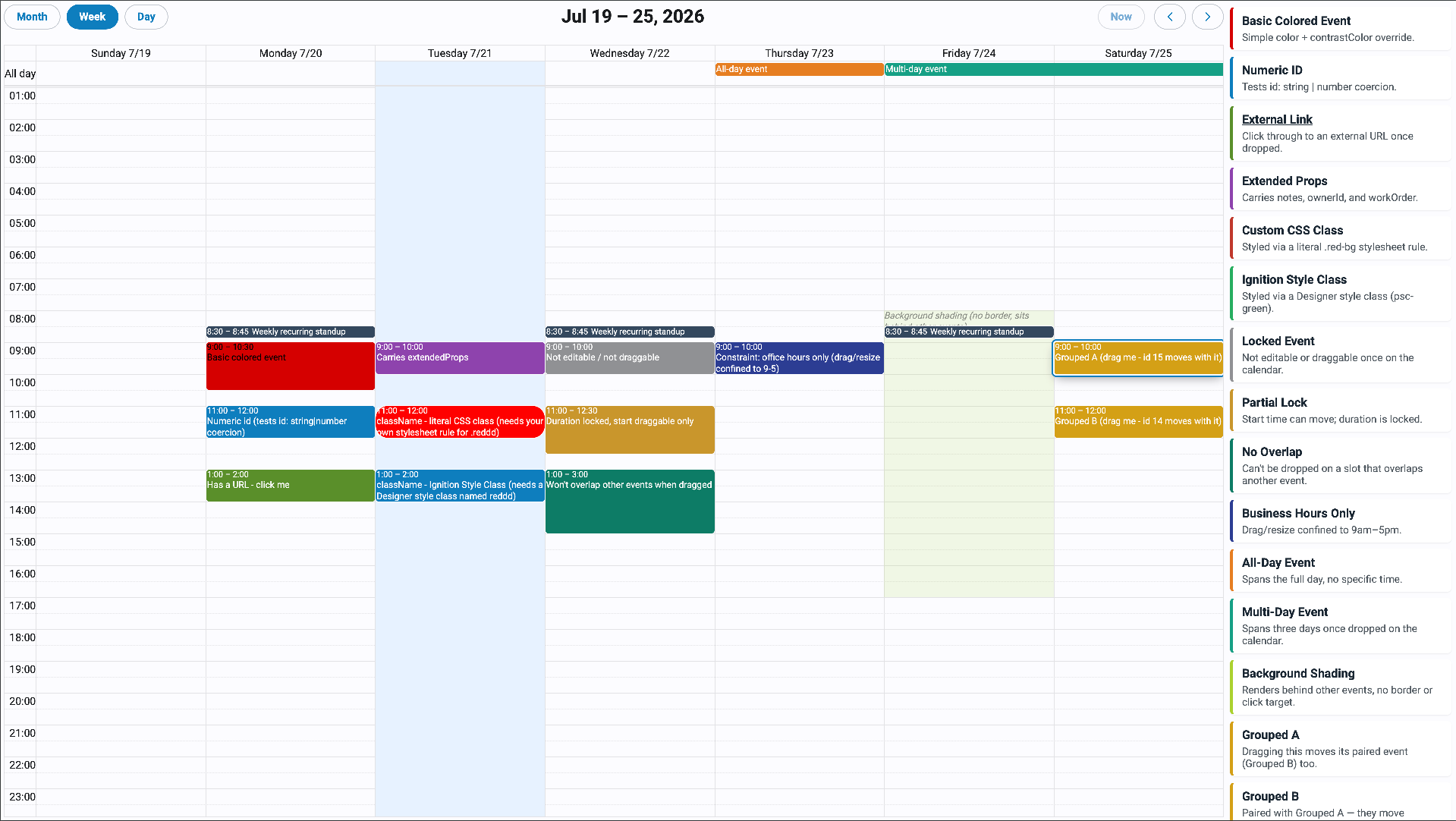
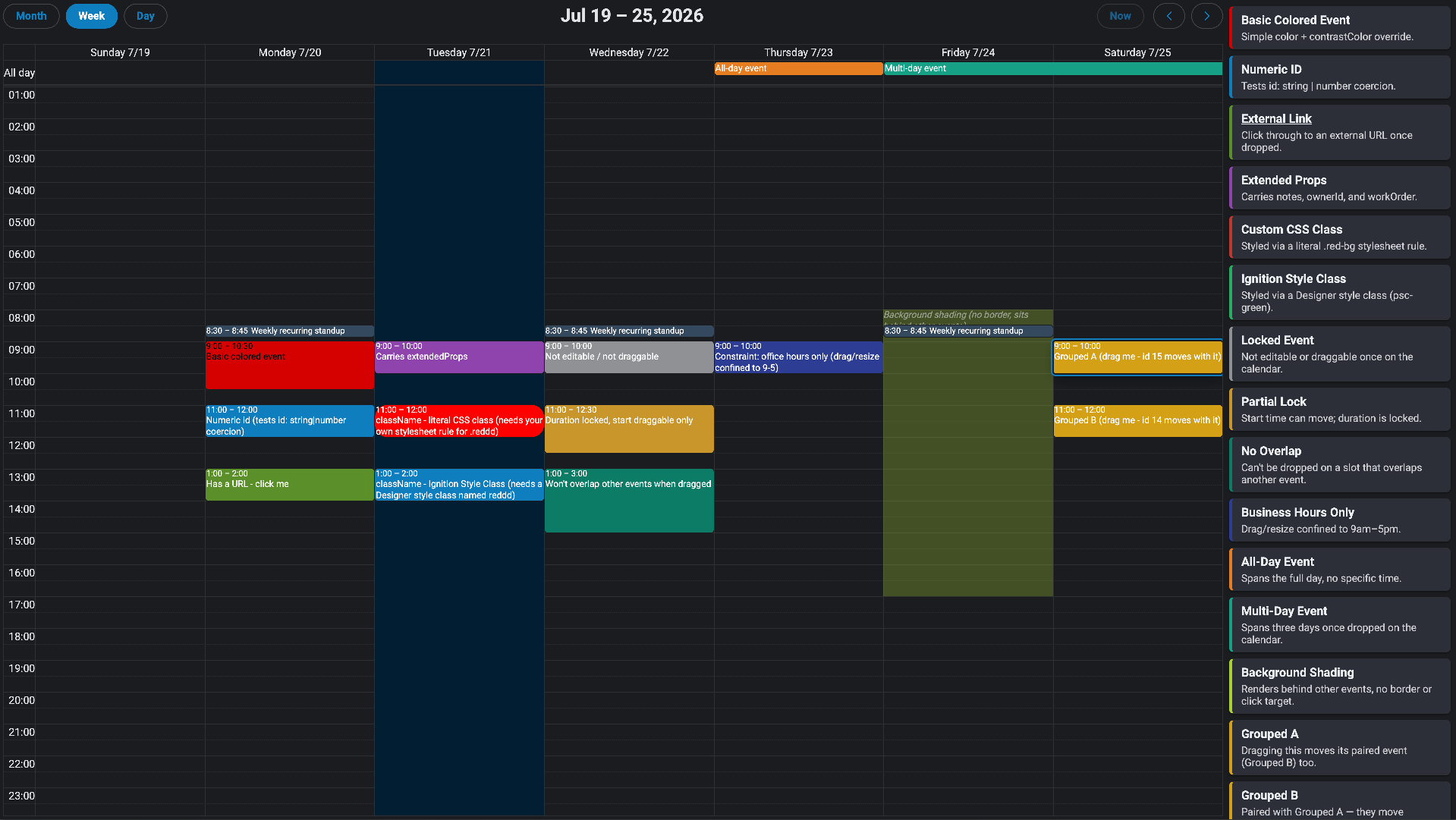
The External Event Box is a container component that holds a list of event cards which can be dragged and dropped onto a Calendar component. When a card is dropped, the calendar's onEventReceived event fires with the dropped event's details.
Each card displays a title and optional description in the tray. The event object nested within each card is what gets handed to FullCalendar when the card is dropped — it determines how the event appears and behaves on the calendar.
Properties
| Name | Description | Property Type |
|---|---|---|
| events | An array of event card objects to display in the box. Both title and event are required on each item. See Event Card Properties below. | array |
| emptyLabel | Text shown when the events array is empty. Default is No events available. | string |
| emptyLabelStyle | Perspective style applied to the empty-state label. | style |
| flex | Controls the flexbox layout of the card container. See Flex Properties below. | object |
Event Card Properties
Each item in the events array represents one draggable card in the tray. Both title and event are required.
| Name | Description | Property Type |
|---|---|---|
| title | The title displayed on the card in the tray. Required. | string |
| description | Optional description text displayed below the title on the card. | string |
| style | Perspective style applied to the card's outer wrapper element. | style |
| titleStyle | Perspective style applied to the card's title element. | style |
| event | The FullCalendar event payload that is applied to the calendar when the card is dropped. Required. See Event Payload Properties below. | object |
Event Payload Properties
The event object within each card defines how the event appears and behaves on the calendar when dropped. Only title is required.
| Name | Description | Property Type |
|---|---|---|
| id | A unique identifier for the event. | string or number |
| groupId | Events sharing the same groupId will be dragged and resized together on the calendar. | string or number |
| title | The text displayed on the event on the calendar. | string |
| start | The start date and time of the event, as an ISO 8601 string. | string |
| end | The end date and time of the event, as an ISO 8601 string. | string |
| allDay | Whether the event is an all-day event. | boolean |
| color | The background and border color of the event. | string |
| contrastColor | The text color of the event (foreground color contrasting with color). | string |
| display | Overrides the display style for this event. Options: auto, block, list-item, background, inverse-background, none. | string |
| editable | Overrides the calendar-level editable setting for this specific event. | boolean |
| startEditable | Whether the start time of this event can be changed by dragging on the calendar. | boolean |
| durationEditable | Whether the duration of this event can be changed by resizing on the calendar. | boolean |
| overlap | Whether this event is allowed to overlap other events when dragged or resized. | boolean |
| ownerId | An identifier for the owner of the event. | string or number |
Example events array:
[
  {
    "title": "Maintenance Window",
    "description": "Scheduled downtime for Line 1",
    "event": {
      "id": "maint-001",
      "title": "Maintenance Window",
      "color": "#f59e0b",
      "contrastColor": "#000000",
      "duration": "02:00:00"
    }
  },
  {
    "title": "Production Run",
    "event": {
      "title": "Production Run",
      "color": "#3788d8",
      "contrastColor": "#ffffff"
    }
  }
]
Flex Properties
Controls the flexbox layout of the internal container that holds the event cards. Defaults to a vertical column layout with 0.25rem gap.
| Name | Description | Property Type |
|---|---|---|
| flexDirection | The direction cards are laid out. Options: row, row-reverse, column, column-reverse. Default is column. | string |
| flexWrap | Whether cards wrap to a new line. Options: nowrap, wrap, wrap-reverse. Default is nowrap. | string |
| justifyContent | How cards are distributed along the main axis. Options: flex-start, flex-end, center, space-between, space-around, space-evenly. Default is flex-start. | string |
| alignItems | How cards are aligned along the cross axis. Options: flex-start, flex-end, center, stretch. Default is stretch. | string |
| alignContent | How multiple lines of cards are aligned. Options: flex-start, flex-end, center, stretch, space-between, space-around. Default is stretch. | string |
| gap | The spacing between cards. Accepts a CSS size string or number. Default is 0.25rem. | string or number |