Work Order Creation & Scheduling
Kanoa Maintenance uses a template-driven model for maintenance execution. Instead of directly creating individual work orders, users define work order templates that control how and when actual work orders are generated.
This approach separates Planning → what maintenance should happen from Execution → the actual work performed by technicians, and allows maintenance teams to move from reactive workflows to structured, automated, and data-driven maintenance operations.
A Work Order Template defines the maintenance activity, including:
- Asset
- Maintenance Type (Corrective, Preventive, etc.)
- Work Type
- Priority
- Procedures / Instructions
- Scheduling or Condition rules
Templates act as reusable definitions that can generate one or many work orders over time.
- Work Order Template = maintenance definition
- Schedule Type / Condition Config = generation rule
- Generated Work Order = real task to be completed by maintenance
Actual Work orders are then generated from the template and used to track timestamps, assigned users, status transitions and execution details.
The work order lifecycle transitions are recorded in the status change history, as they move between workflow states such as Open → Assigned → In Progress → Completed or Open → Assigned → Cancelled.
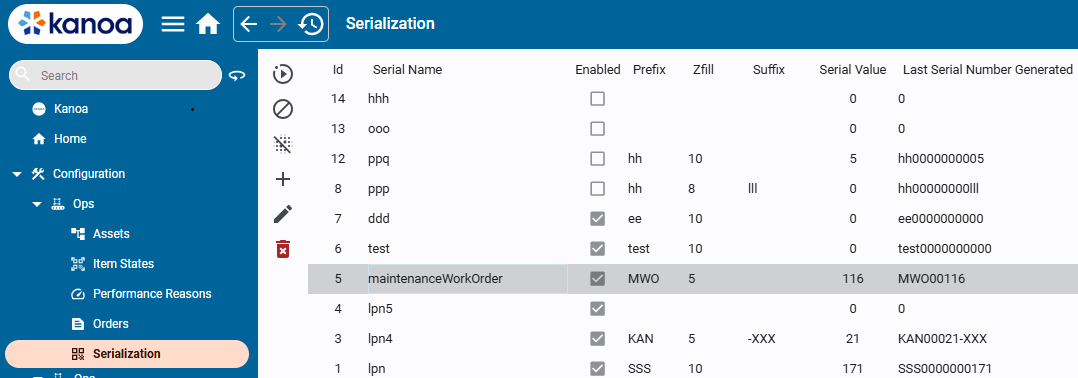
When a work order is generated, a unique workOrderName is generated based on the 'maintenanceWorkOrder' serialization template.
Schedule Types
A Work Order template includes a Schedule Type, which determines how work orders are generated. When a template is active i.e. 'Released', the system evaluates its schedule configuration. When the criteria are satisfied, an actual work order is created.
Kanoa Maintenance supports three primary schedule behaviors:
Use One Time when the template should generate a single work order.
This is useful for:
- one-off repairs
- installation work
- project tasks
- ad hoc maintenance requests
When a template is configured as One Time, the system generates one actual work order from that template.
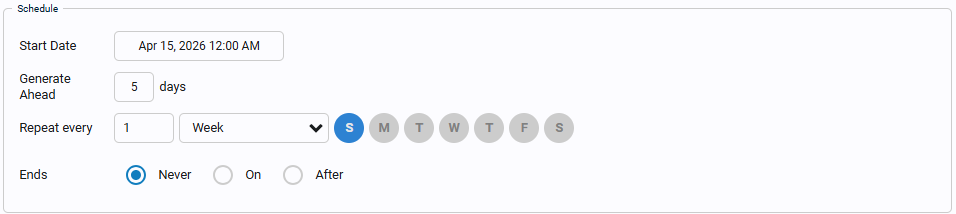
Use Recurring when the template should continuously generate work orders on a defined schedule.
This is typically used for:
- preventive maintenance
- routine inspections
- repeating safety checks
- calendar-based maintenance programs
When a template is configured as Recurring, the system creates actual work orders according to the recurrence settings.
Recurring schedules are best used when maintenance should happen on a predictable interval, such as:
- every day
- every week
- every month
- every X days/hours depending on schedule configuration
Use Condition when the template should generate work orders only after a defined asset condition, counter, or threshold is met.
This is typically used for:
- runtime-based maintenance
- counter-based maintenance
- threshold-triggered inspections
- condition-based corrective or preventive work
When a template is configured as Condition, he maintenance order can be set to be triggered whenever the asset run hours or counter values reach a certain threshold. Condition scheduling is useful for maintenance strategies that should not be driven by calendar date alone.


Work Flow Status
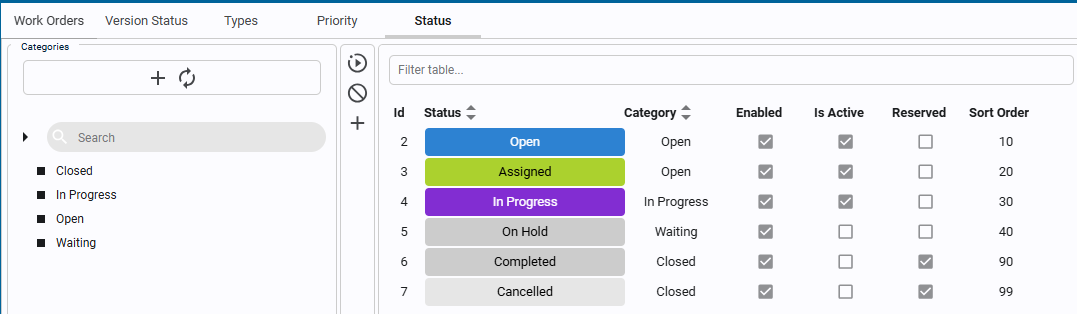
As Work orders are created, assigned etc., they move through a workflow. These states are used for filtering, KPI segmentation and Backlog analysis. Default status types are Open, Assigned, In Progress, On Hold, Completed and Cancelled. Custom states can also be added.
Workorder statuses fall under categories. This allows multiple states to be considered 'Closed' or 'Waiting'.
Priority
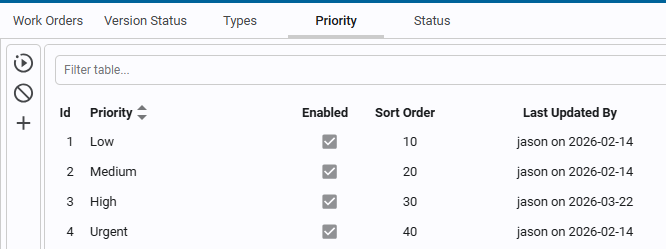
Work orders can be set a priority. Out of the box you get 'Low', 'Medium', 'High', Urgent'. You can modify these or add new priorities as you see fit.
Version Status
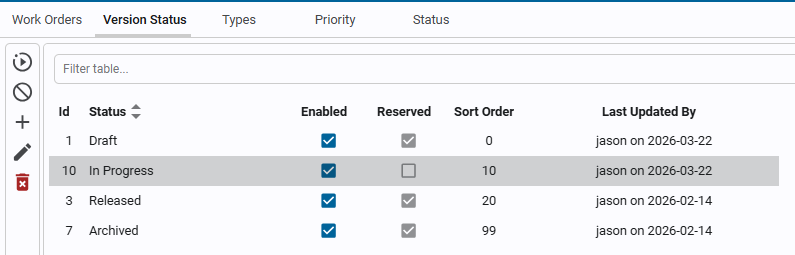
Work orders can be created, but will not be scheduled or used until they have been set to a 'Released' version status.
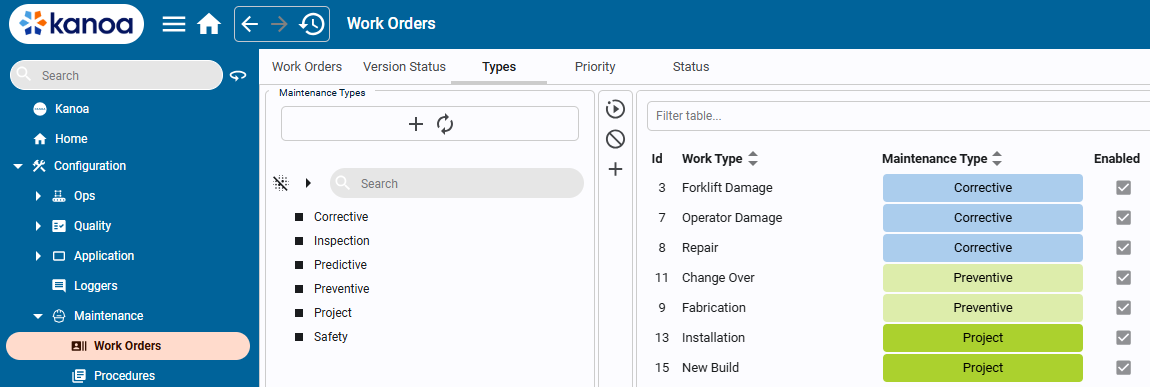
Maintenance Types
Work orders are categorized by maintenance type, such as Corrective, Inspection, Predictive, Preventive, Project, and custom maintenance types can be added. These categories are used for filtering, KPI segmentation and Backlog analysis. Under Maintenance types, 'Work Types' can be added for a technician to select such as Corrective\Forklift Damage or Project\Installation.