Custom Attributes
Custom Attributes store static properties for an asset (and can also be set for material items). They can be set in the asset configuration screen or through scripting. An example use case for a custom attribute would be to store the asset name used by ERP to link the assets between different systems.
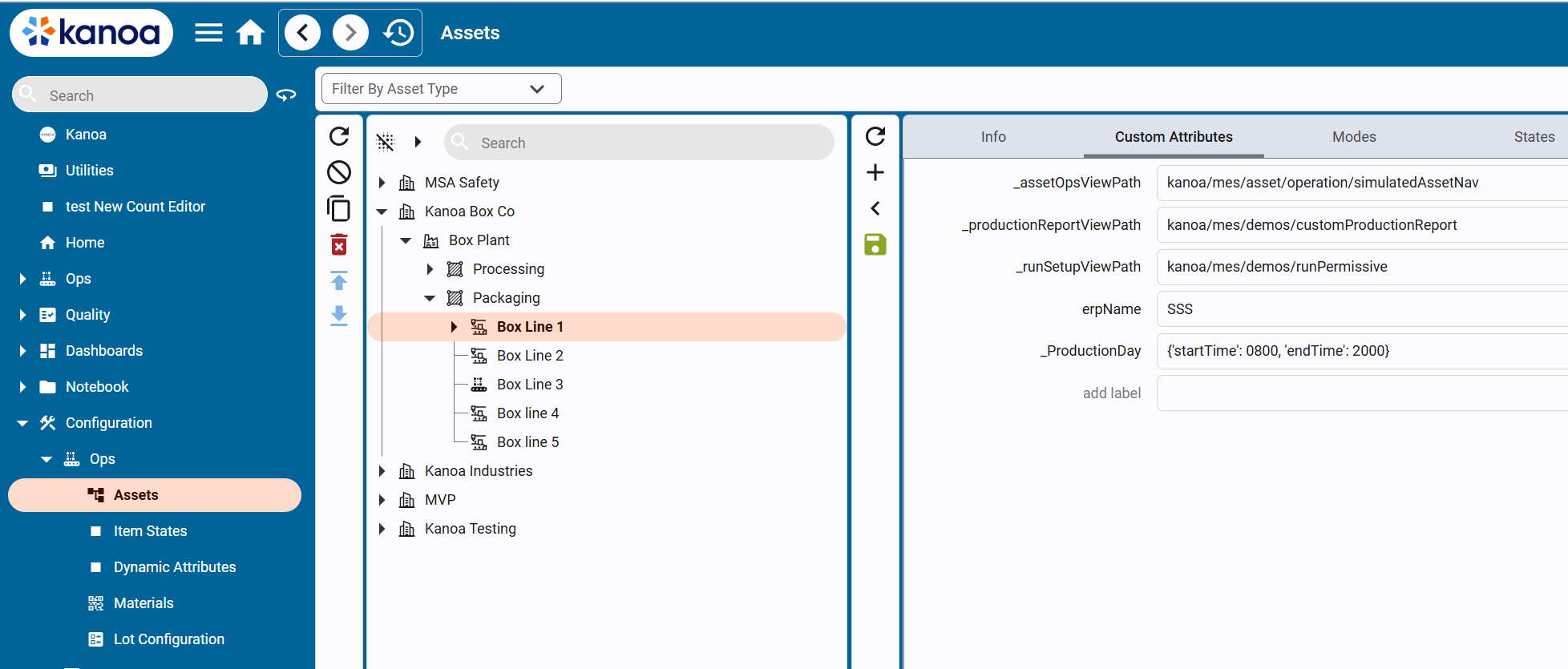
Custom attributes are stored in the mes.assetAttr database table. They are linked to an assetId and store the value as a string. In this way, you can use a custom attribute to store whatever data type you want including dictionaries—you would just need to encode/decode it. In the case of storing a dictionary, use system.util.jsonEncode() / system.util.jsonDecode() system functions.
Reserved Custom Attributes
We use custom attributes throughout the Kanoa MES application to change behavior based on asset selection. Reserved custom attributes have an underscore at the beginning of them. You are welcome to use the reserved custom attributes to affect the behavior of the application in specific ways.
_ProductionDay
This reserved custom attribute allows you to customize what the date selector view returns for start and end times when an assetPath is provided to the date selector. This attribute can be set at any level of the asset tree and assets below it will adhere to it. Different times can be set for different assets. If no value is found for _ProductionDay, the date selector will default to midnight for the date range selected.
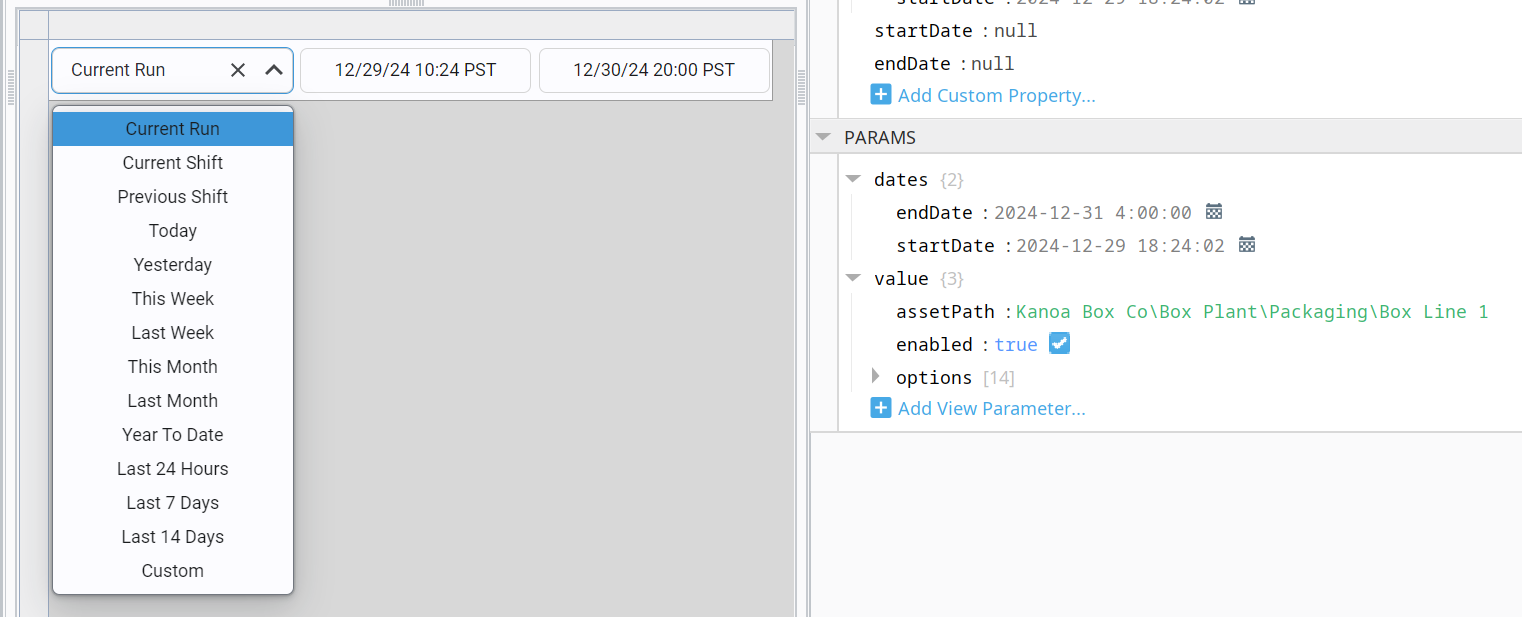
This reserved custom attribute value is stored as an encoded dictionary with key/value pairs of 'startTime' and 'endTime'.
{'startTime': 0700, 'endTime': 1700}
_assetOpsInfoPanelViewPath
The left-hand panel of the Operation Screen can be set to a custom view. By default, the 'kanoa/mes/asset/operation/assetInfoPanel' view is used for this panel. We also provide 'kanoa/mes/asset/operation/assetInfoPanelWorkCell' that was built for a line that has work cells underneath it.
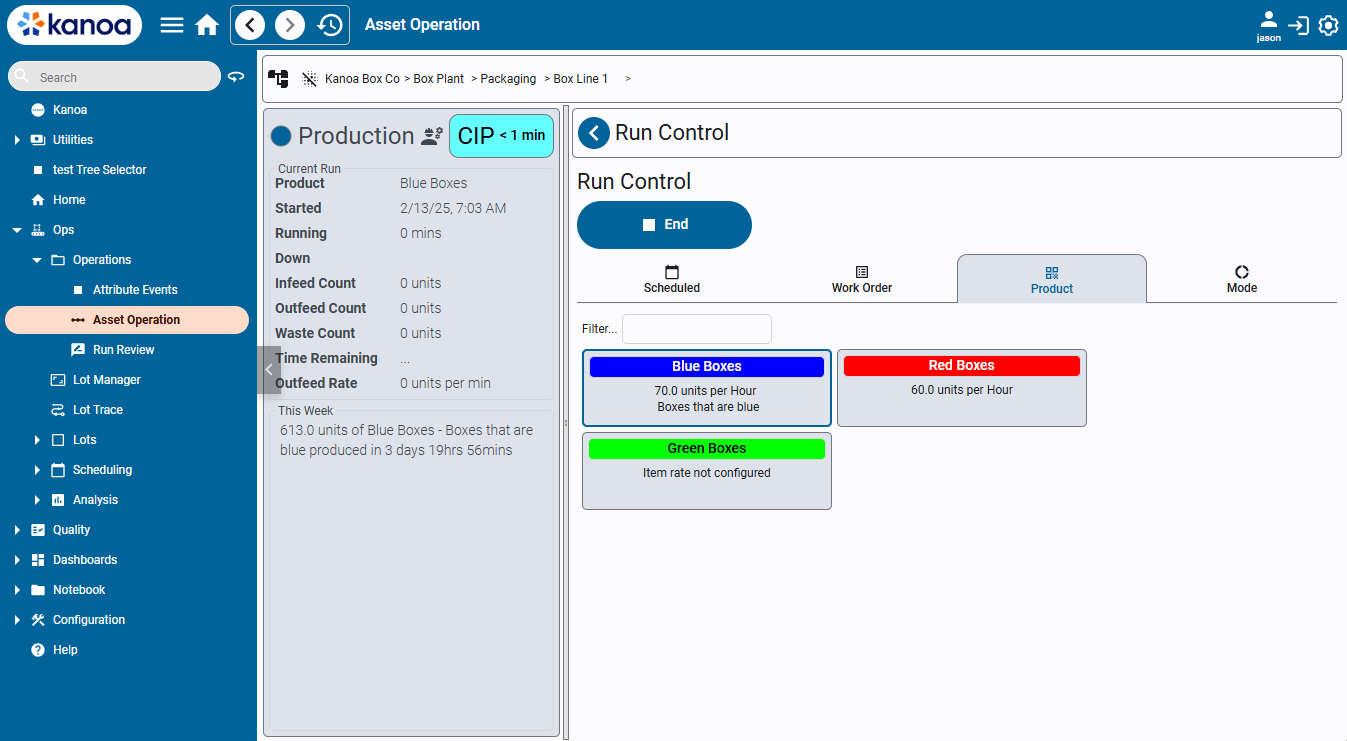
This reserved custom attribute value is stored as a string and expects the viewPath.
_assetOpsViewPath
The right hand panel of the Operation Screen can also be set to a custom view. By default, the 'kanoa/mes/asset/operation/defaultNav' view is used for this panel. We also provide 'kanoa/mes/asset/operation/assetOperationPanel' that provides for dashboards to be used to further customize what a user sees when selecting a specific asset.
This reserved custom attribute value is stored as a string and expects the viewPath.
_productionReportViewPath
When a value is found for this reserved custom attribute, a link to a custom production report view will be visible to the user when viewing a certain asset.
This reserved custom attribute value is stored as a string and expects the viewPath.
_runSetupViewPath
When an operator starts a production run from the Run Control screen, you can force a custom popup to prompt pre-run checks (e.g., confirming labeler setup).
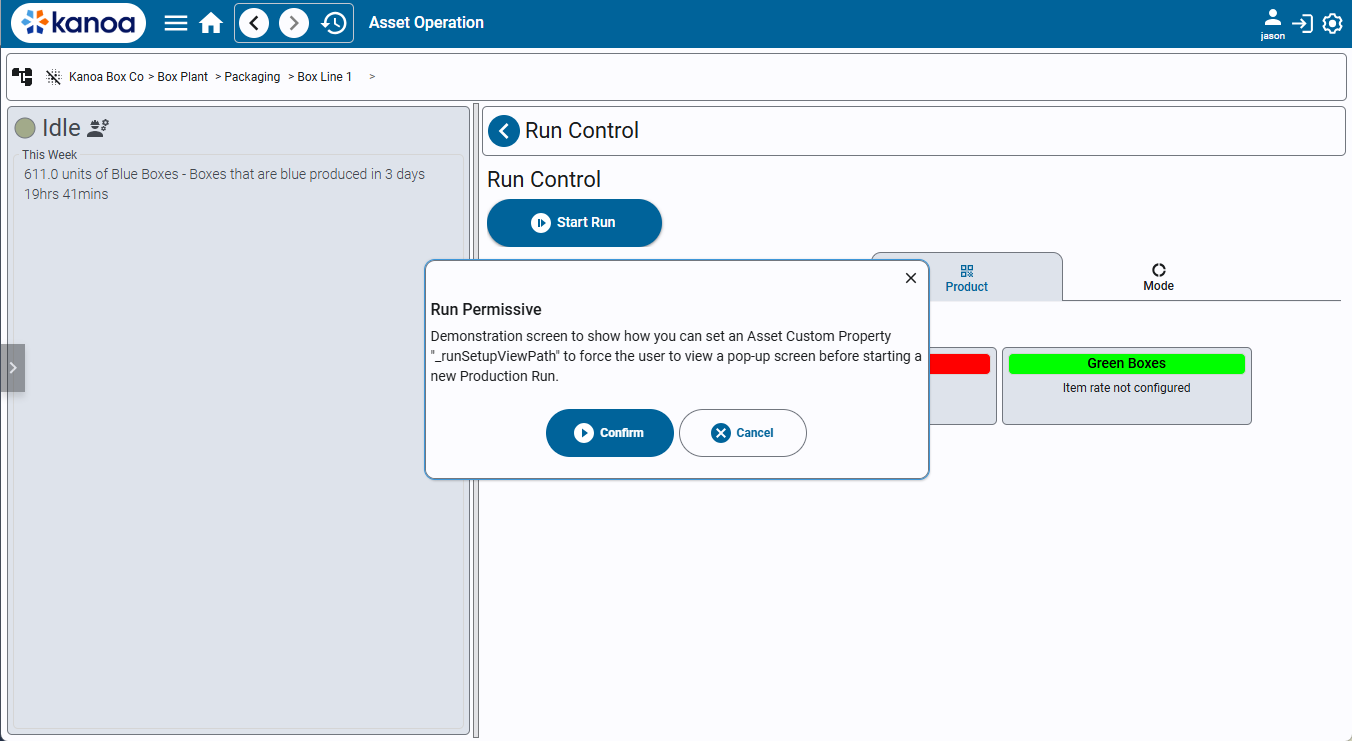
This reserved custom attribute value is stored as a string and expects the viewPath.